Whooshes & transitions
137Fast19Swoosh15
Bring your packs. Master Sound FX sorts effects and music by category so you can find the sound for your next scene.
 Sound Effects864sounds
Download a sound effect and the app recognizes the file automatically. Then just drag it into Final Cut.
Download as usual or import your packs. Keep effects and music in one library.
English, Portuguese or Spanish. Browse categories and find what fits the scene.
Drag the sound into Final Cut. The compact window stays above your editor so you can keep working.
No need to know how to EQ, compress or saturate. Click the tags, hear the change and get the sound you want.
Click the tagsChoose a tag in the panel to hear the change.
 MODIFYMODIFYMODIFYMODIFYMODIFY
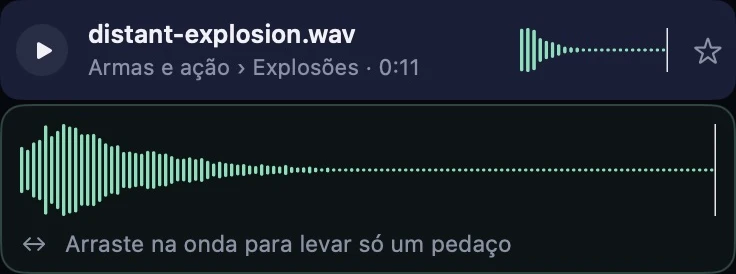
Mark the start and end of the part you want. Then drag just that selection into the Final Cut timeline.
One purchase. An organized library, project after project.
Apple Silicon · macOS 26 or later
Lifetime license for Mac
Create your account and download the app. No card and no automatic charge.

Keep fewer filenames in your head. Save that space for the edit.
Buy Master Sound FXApple Silicon · macOS 26 or later